
1
Create your grocery list
Add groceries, household items, or anything else you need to buy.
Shared grocery list app
Create your grocery list in seconds, share it with family, your partner, or roommates, and keep everyone in sync while you shop. No account required.
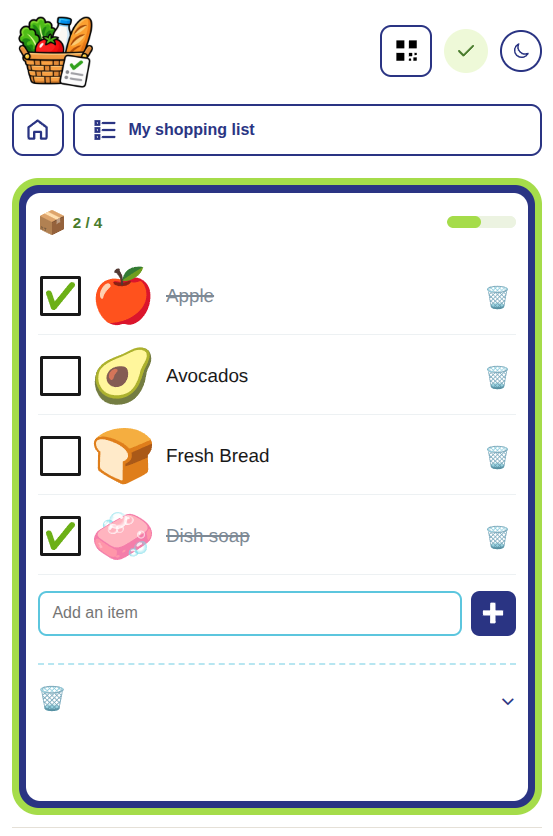
How the shared grocery list works
Create an online grocery list that everyone in your household can update. Add groceries and household items, share the list, and check things off together in real time.
1
Add groceries, household items, or anything else you need to buy.
2
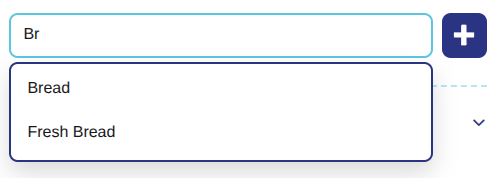
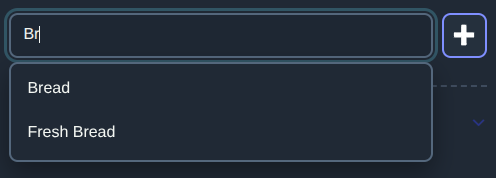
Recent-item autocomplete helps you build your shopping list with less typing.
3
Send a link or QR code to family, your partner, or roommates so everyone can use the same shared shopping list.
Built for real shopping habits
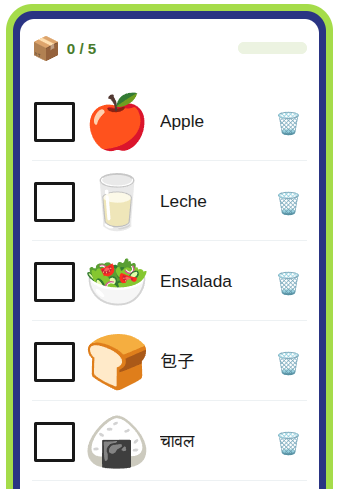
ShoppingList.page keeps grocery shopping simple with automatic item icons, multilingual lists, multiple lists per household, and fast autocomplete. Works on iPhone, Android, tablets, and computers — directly in your browser. No app installation required.
Automatic icons
One household, multiple lists
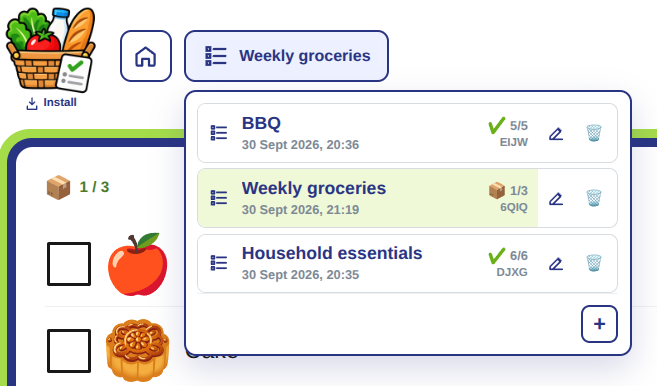
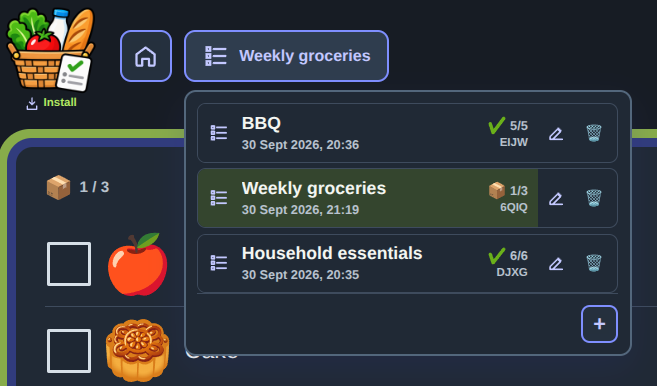
Recent-item autocomplete
Simple and privacy-conscious
Create and share a grocery list without signing up. Your list starts on your device, and you decide who receives the sharing link. Anyone with the sharing link can view and edit the shared list or household, so only send it to people you trust.
Read the privacy detailsStart your grocery list immediately without an email address, profile, or password.
Keep using your shopping list when your connection drops. Changes sync again when you're connected.
Share a grocery list or your household using a link or QR code. Anyone with the sharing link can view and edit the shared list or household, so only send it to people you trust.
Frequently asked questions
Learn how shared lists, households, recent-item autocomplete, multilingual lists, and offline shopping work together.
Read all FAQsShoppingList.page is a free shared grocery list app for families, couples, roommates, and other households. Create grocery lists, share them with others, and keep everyone up to date across devices without creating an account.
Yes. ShoppingList.page is free to use. Create grocery lists, share them with your household, and use them without creating an account.
Yes. ShoppingList.page works directly in a modern web browser on iPhone, Android, tablets, and computers. You don't need to download an app.
Yes. Share the list using its link or QR code. Everyone with access can add items and check them off from their own device.
No. You can create and use ShoppingList.page without an account, email address, or password.
Yes. Lists that are already available on your device can continue to be used when your connection drops. Changes made offline stay on the device and synchronize after you reconnect. You may need an internet connection to open a shared list that is not available on your device.
The ShoppingList.page interface is currently in English, but grocery items can be entered in different languages. Item recognition and automatic icons may vary depending on the item and language.
Yes. ShoppingList.page works directly in your browser, so you can create and manage an online grocery list without installing an app.
Yes. Share the list link or QR code with the other person and both of you can add items and check them off from your own devices.
Start your shared grocery list
Create a list, share it with your household, and make the next shopping trip easier.